Digital Payments in Saudi Arabia: mada, Apple Pay, STC Bank and Instant Transfers
A practical guide to paying digitally in Saudi Arabia: mada cards, Apple Pay and mada Pay, STC Bank, sarie instant transfers and key security habits.
Published 6 min read
In this article
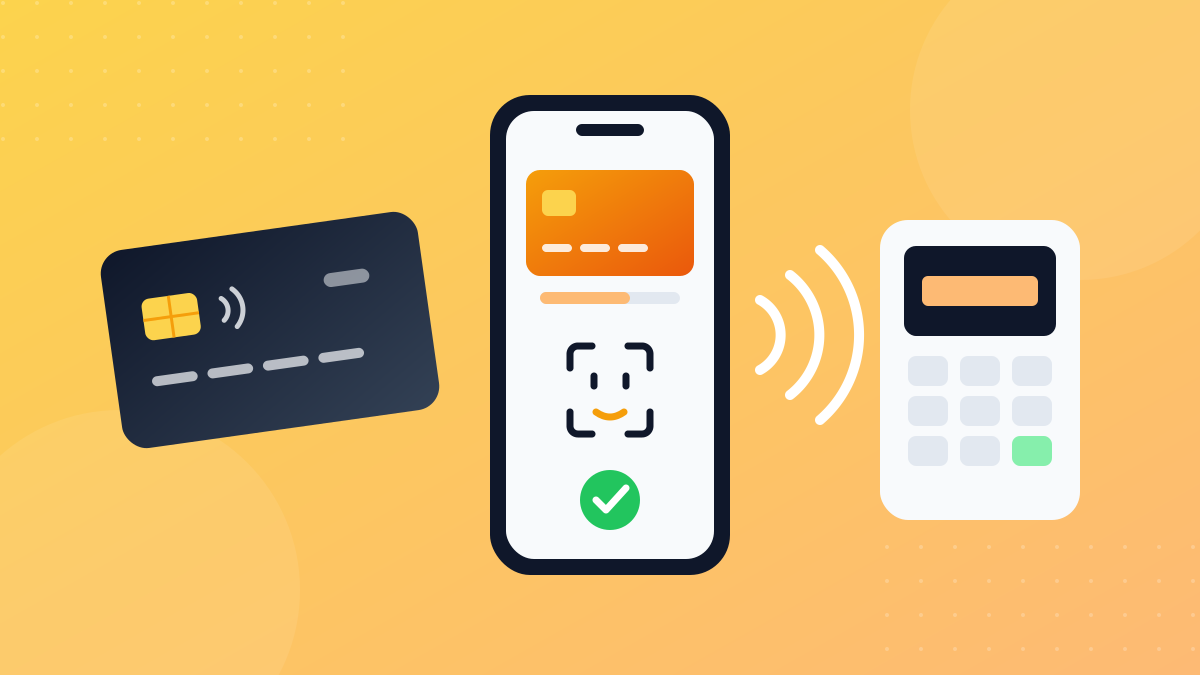
Digital payments in Saudi Arabia run on the mada network, which connects bank cards to card terminals, ATMs and online shops. On top of that you can pay with your phone through Apple Pay or Android wallets, and send money instantly between banks through the sarie system using a mobile number or ID. Alongside traditional banks there are digital banks such as STC Bank, formerly known as stc pay.
In short: add your mada card to your phone's wallet for contactless payments, use your bank's app for instant transfers and always check the beneficiary's name, and never share a verification code or PIN with anyone. This is a practical overview, not financial advice.
What mada is and how it works
According to the Saudi Central Bank (SAMA), mada is a national payment system owned by the central bank and launched in 1990. It links card terminals, ATMs and e-commerce sites to a central system that routes each transaction to the bank that issued the card, completing it within seconds.
What mada gives you as an everyday user:
- In-store payments by inserting or tapping your card at the terminal.
- Contactless payments (mada Atheer): hold your card or phone near the terminal without touching it, using NFC.
- Online shopping: mada cards work in online stores with an extra verification layer (3D Secure), which is usually the screen asking for a code from your bank.
- ATM withdrawals across the Kingdom.
Paying with your phone: Apple Pay, mada Pay and other wallets
The mada page on SAMA's website lists four ways to use a mada card from your phone or smartwatch:
- Apple Pay: for iPhone and Apple Watch, in stores and online.
- mada Pay wallet: for Android devices, working at card terminals that support contactless payments, inside and outside Saudi Arabia.
- Samsung Pay: for Samsung phones and watches.
- Google's wallet: for Android devices.
The page notes that these wallets use fingerprint or face authentication and tokenization, which means your real card number isn't sent to the merchant.
How to add your card to Apple Pay
- Open the Wallet app on your iPhone.
- Tap the plus (+) button.
- Add your card. On many devices you can hold an eligible card against the back of the phone instead of typing the numbers.
- Complete the verification your bank asks for, usually a code by SMS or a confirmation in the bank's app.
After that, you pay by double-clicking the side button and holding the phone near the terminal. Apple's Saudi website also mentions Express Mode for public transport in Riyadh, where you tap your iPhone or Apple Watch on the reader without unlocking it.
Note: support for each wallet depends on your bank and card type. If your card doesn't show up as eligible, check your bank's app or contact the bank.
Quick comparison
| Method | Devices | Where you use it | How you confirm |
|---|---|---|---|
| mada card | The card itself | Terminals, ATMs, online | PIN or tap |
| Apple Pay | iPhone and Apple Watch | Stores, apps, websites | Face ID, Touch ID or passcode |
| mada Pay | Android | Stores with contactless terminals | Depends on app and device settings |
| Google's wallet and Samsung Pay | Android and Samsung | Stores and online | Fingerprint, face or screen lock |
STC Bank: from the stc pay wallet to a digital bank
The stc pay wallet has become STC Bank, and its official website states that it is regulated and supervised by the Saudi Central Bank. The app gives you full banking from your phone, including:
- An account and cards you can control from the app.
- Transfers to your contacts, to local banks, and internationally.
- Tools to track and split expenses, plus savings products.
If you used stc pay before, your app is now the STC Bank app. Fees and limits change, so check the product and service fees page on its official website rather than figures posted elsewhere.
Bank apps: your real control centre
Whatever wallets you use, your bank's app is where you actually manage your money. Spend five minutes exploring these options; most banks offer something similar:
- Temporarily freeze your card if it's lost or you spot a suspicious transaction.
- Instant notifications for every purchase or transfer.
- Controls for online and international payments, switched on only when you need them.
- Beneficiary management, so you can remove people you no longer pay.
If you want to try a new wallet or payment app, first make sure the company is licensed by the Saudi Central Bank, and never enter your card details into an app you don't know.
Instant transfers with sarie
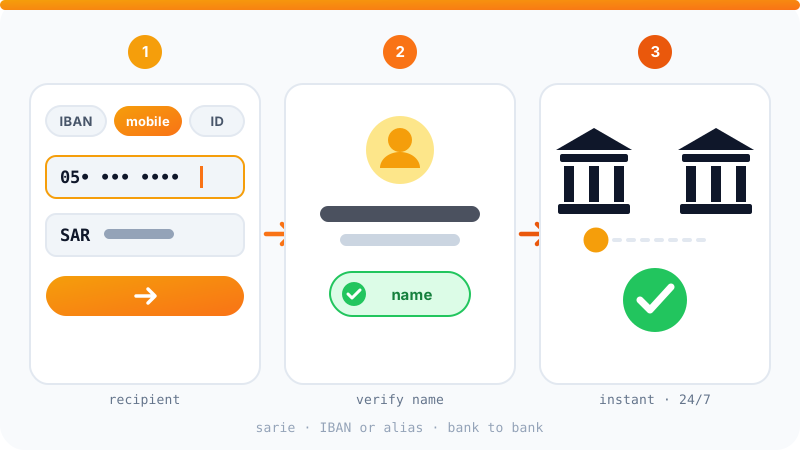
sarie is a national payment system owned by SAMA and launched in 2021. It lets you transfer money instantly between local banks, 24/7, all year round. What makes it useful:
- Alternatives to the IBAN: you can transfer using a mobile number, National ID or Iqama number, email address, or the unified number of a business.
- Instant beneficiary name check before you add someone or send a transfer.
- Limits at the time of writing: SAMA's page says the system is for transfers of up to SAR 20,000, and that you can send up to SAR 2,500 without adding or activating the beneficiary first.
Your bank may apply its own limits or fees, so check them in the app before you transfer.
Typical transfer steps
- Open your bank's app and choose a local or instant transfer.
- Enter the IBAN or an alternative identifier such as a mobile number.
- Read the beneficiary name shown and make sure it's the right person.
- Enter the amount and confirm with a verification code or your fingerprint.
Security habits that matter
- Never give your verification code (OTP) to anyone. Neither your bank nor any government body will call you to ask for it.
- Never share your card PIN or the code on the back of the card in a call or message.
- Check the beneficiary's name before every transfer, especially when someone is rushing you.
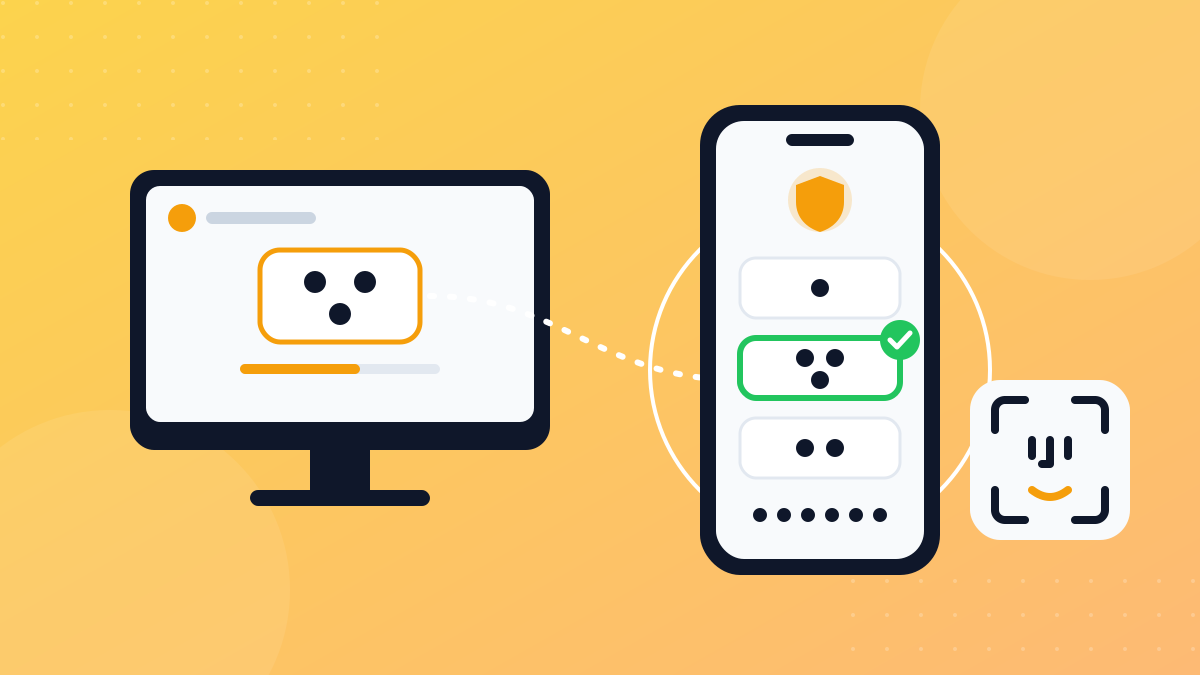
- Never approve a Nafath request you didn't start, since some financial services use it to verify your identity. We explain this in our Nafath guide.
- Open your bank through its official app, not a link in a message, and turn on transaction alerts.
- Protect your other accounts, especially your email and mobile number, with two-factor authentication.
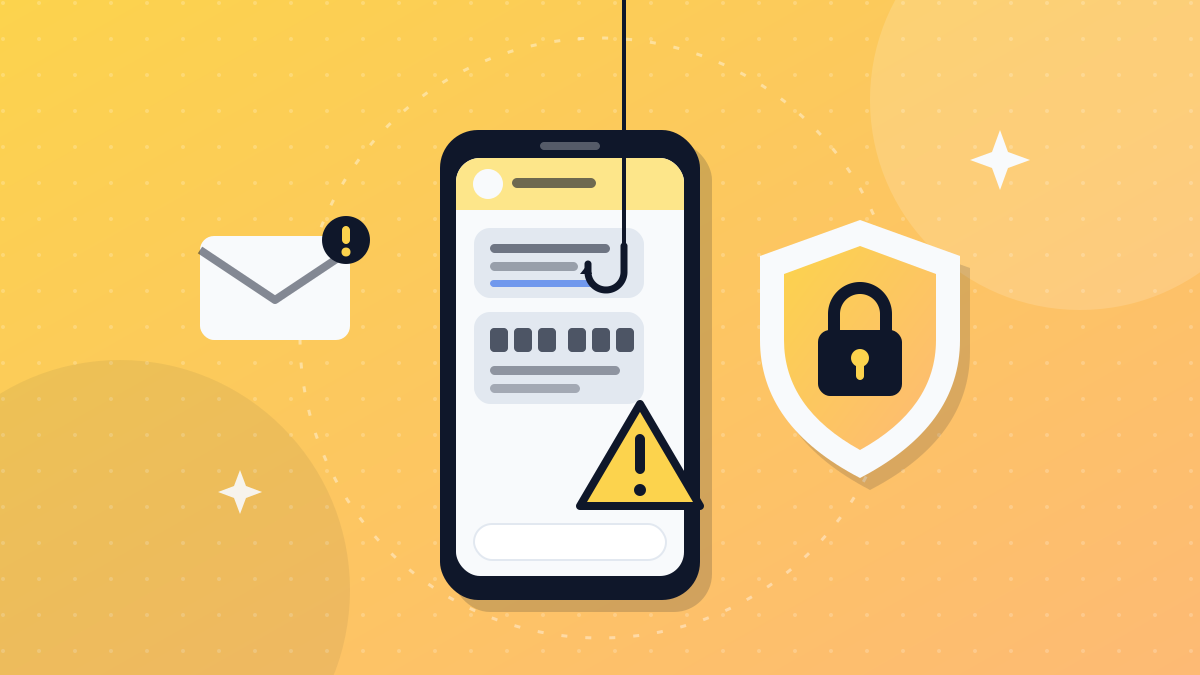
The most common tricks are "update your details", "your parcel is on hold" and "you're owed a refund" messages; we collect examples and how to spot them in how to protect yourself from WhatsApp and SMS scams in the Gulf. And if you sell online and need to accept payments, see how to open an online store in Saudi Arabia.
Official sources: mada on the Saudi Central Bank website, sarie on the Saudi Central Bank website, STC Bank official website.
Frequently asked questions
Can I add a mada card to Apple Pay?
Yes. The Saudi Central Bank lists adding a mada card to Apple Pay among mada's services, for paying in stores and online. Open the Wallet app and tap the add button, or add the card from your bank's app, as long as your bank supports it.
Is mada Pay available on iPhone?
No. According to the mada page on SAMA's website, the mada Pay wallet is for Android devices. On an iPhone, you add your mada card to Apple Pay instead.
What happened to stc pay?
stc pay became STC Bank, a digital bank that its official website says is regulated and supervised by the Saudi Central Bank. Its app offers accounts, cards, and local and international transfers.
Are instant bank transfers free?
Fees are set by each bank and can change, so don't rely on old information. Check the fees page in your bank's app or website before you transfer.
How can I be sure the money goes to the right person?
The sarie system lets you check the beneficiary's name before adding them or before sending a transfer. Read the name shown carefully before confirming, and cancel if it isn't who you meant.
Related tutorials
Tools & productivity
What Is Nafath and How to Use It Safely: Saudi Arabia's National Single Sign-On
A simple guide to Nafath, Saudi Arabia's National Single Sign-On: how the app works, how number matching approves a login, and how to avoid Nafath scams.
· 7 min read
Tools & productivity
How to Protect Yourself from WhatsApp and SMS Scams in Saudi Arabia and the Gulf
The most common WhatsApp and SMS scams in the Gulf, from fake parcel fees to bank, Absher and Nafath impersonation, and how to spot, block and report them.
· 7 min read
Tools & productivity
How to Back Up Your Files Properly (The 3-2-1 Rule)
A practical backup guide: the 3-2-1 rule explained, backup vs sync, and how to set up File History, Time Machine and cloud storage step by step.
· 6 min read